
the operating system for gaming
Release Notes
A new generation of PC gaming that not only defines boundaries but breaks through them.
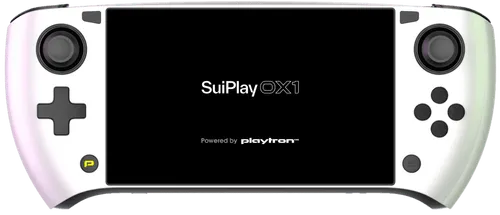
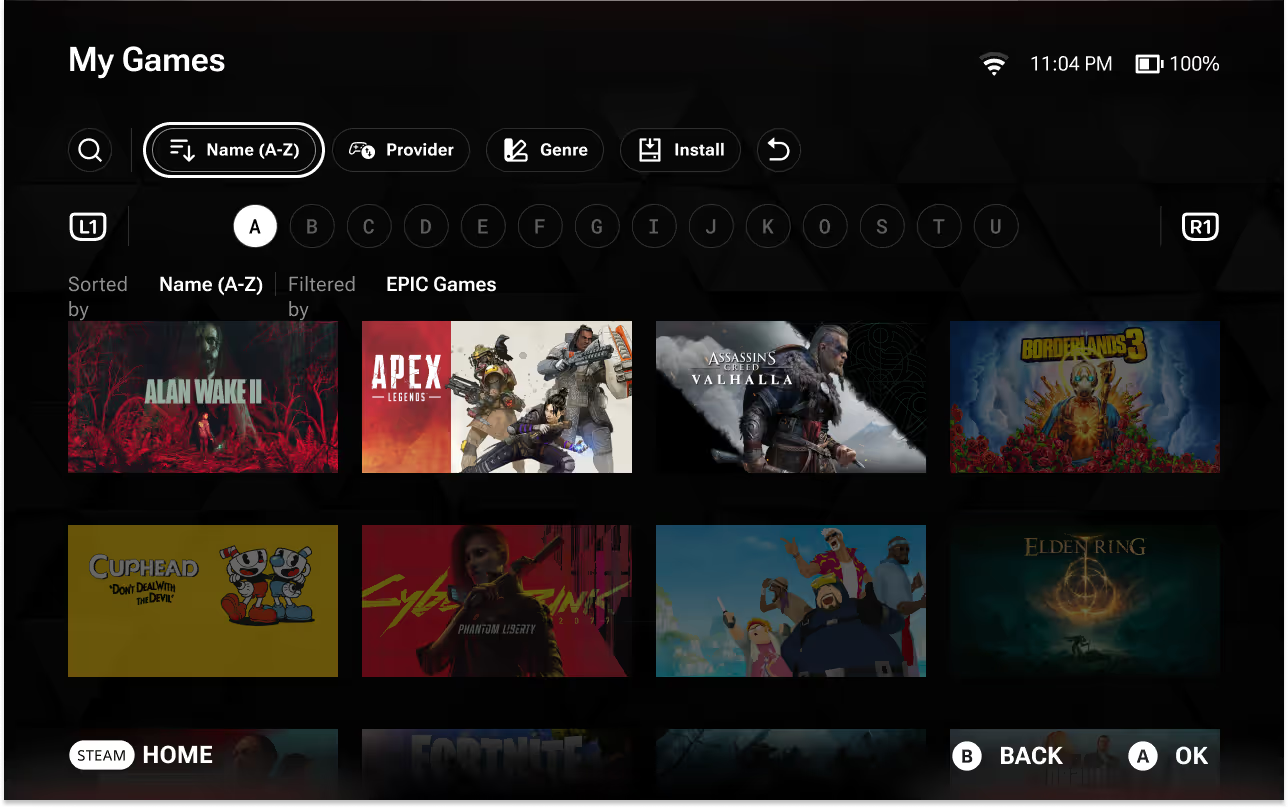

playtron game os
GameOS 1.3.0
GameOS 1.3.0


New Features
- Lots of Polish Items: Our team has been hard at work polishing the interface and usability of GameOS. Many small improvements have been made to the user experience, so enjoy exploring the smoothest experience in GameOS yet!
- Epic Game Store (EGS) Plugin Refactor: We’ve made some adjustments to the EGS implementation, which should help more of the newer EGS-based games launch.
- Webview Fixes: Many games that would use a browser to log you in or display opportunities to purchase DLC would not open the browser correctly. This has been fixed.
- MangoHud is Back: A new toggle has been added to the QAM, allowing you to turn MangoHud on and off whenever you like.
Fixed Issues
- Waking a device while AutoTDP is on no longer causes a period of poor performance on wake.
- Starting your device would sometimes cause the volume to be set to maximum without warning.
- If the Home screen fails to load, music no longer fails to play.
- Using the touchscreen to navigate GRID would sometimes focus the wrong element on screen.
- Games that would open webviews for login or DLC purchases would sometimes fail to do so.
- Scrolling through the user’s Collection using the touchscreen interface would sometimes fail to scroll your view correctly.
- Canceling the Link Providers modal in an empty Collection would cause the user to get stuck in the Collection.
- Launching games from an Intel based platform would often cause the game to launch into a black screen.
- Local games would sometimes take a very long time to appear in the user’s Collection.
- Games listed as “Coming Soon” can be added to the user’s wishlist.
- Genre and Feature tags would often be missing in the Search screen.
- Selecting a Genre or Feature tag in an app card now creates a filtered search with that tag.
- Carousel behavior has been refactored, resulting in smoother movement when entering or traversing carousels.
- Games using Easy Anti-Cheat would sometimes fail to launch from external drives.
- In some circumstances, users could attempt to pre-load games which did not have pre-load capability.
- Attempting to access your device through SSH while using an ethernet connection would sometimes fail.
- MangoHud would for some games, report incorrect framerates.
- Emergency access menu could not be opened while X had a function on the current screen.
- Selecting a genre under app details will not bring the user to the collection with that as an active filter.
- This will bring the user to the search screen with that filter active instead.
- SuiPlay0X1 Users will not be focused on the transaction timeout dropdown when entering the wallet settings screen.
- Scrolling down will allow the user to select the dropdown.
- If the device sleeps while on the Update modal, when the Restart Now button is available, the modal may close, preventing the user from knowing they have to restart to apply the update.
- Restarting through the power modal on the Home screen applies the update normally.
Known Issues
General
- Disconnecting a device in the Bluetooth settings may require the user to relink the device before connecting again.
- Notification does not appear when external storage devices are disconnected.
- Forgotten password emails will display the last language chosen on any device as opposed to the active language on the active device.
- Interacting with the keyboard or touchscreen too quickly will sometimes cause the interaction audio to cut out.
- Rarely, during the first time user experience, Steam as a provider will not appear.
- Restarting the device will resolve this issue.
- Sometimes when performing a full factory reset, the user’s device will get stuck in an update loop, preventing the user from completing first-time user experience.
- MangoHud will sometimes toggle itself on without user input.
- Users can toggle this off in the Quick Access Menu
- After linking a provider, the loading screen for adding games to your Collection may appear multiple times.
- When toggling AutoTDP off, the device’s TDP does not return to the TDP the device had set prior to AutoTDP being turned on.
- After turning AutoTDP off, manually readjusting the slider will restore performance.
- If a game does not have a rating available, the user cannot focus the Button Mapping tile in app cards using the internal controls.
Search & Explore
- Games that have not been released are appearing in Search when “Free” is selected as a price filter.
- Games that are delisted from platforms are appearing in Search results.
- Search results cannot be filtered by price in currencies other than USD.
Games
- Touchscreen is not supported in all games.
- A few games you own may not appear in your library. Please report them so that we can fix them.
- Some Steam or EGS games may have a duplicated app card in your Collection.
- EULA text may not be displayed in the language the user has selected in GameOS.
- Some games are not responding to internal controls as advertised.
Provider-Specific
- Attempting to unlink a provider fails if the user is running a game associated with that provider.
- Attempting to log into Epic Games Store using a LEGO.com account will often fail due to the user getting flagged as a bot.
- Attempting to login to Epic Games Store using a Playstation account will fail.
- Logging in with a Passkey will induce a UI crash
- Selecting a different login option will bypass this issue
- The user’s GOG library may take additional time to load if logged in prior to an update.
Hardware
- ASUS ROG Ally
- Waking the ROG ally from sleep, there's a chance that the Home/QAM buttons stop working temporarily.
- MSI Claw 8 AI+
- Some games may fail to close, forcing the user to restart in order to close their game.
- Suspending a game may cause the display to turn off.
- Other
- Connecting an external display may temporarily distort the position of app cards on the Home screen.
- Rarely, devices will incorrectly swap to headphones for audio output, even if there aren’t any connected.
- Restarting the device will resolve this issue